User mode
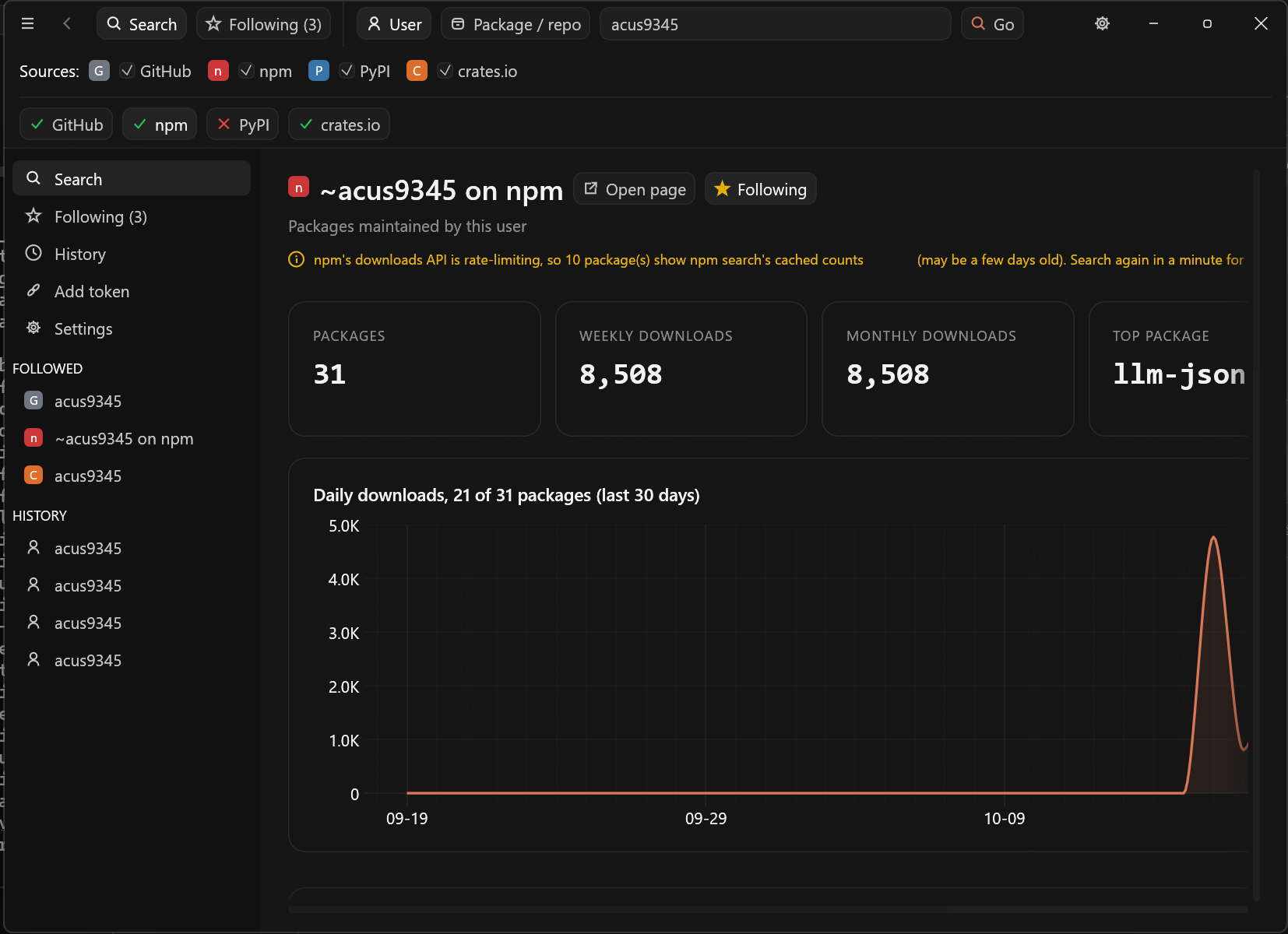
Followers, stars and top repos on GitHub; package counts and downloads on npm, PyPI and crates.io.
PkgStats
Registry download / package statsA native desktop app (Rust + egui). Look up a user on every registry at once, or a single package or repo, with charts, and track the ones you follow day by day.
01
Run the downloaded file and follow the wizard.
%APPDATA%\PkgStats.cargo install pkgstats
pkgstatsOr download pkgstats-windows-x64.exe from the latest release and run it.
02
From the project’s README.
Followers, stars and top repos on GitHub; package counts and downloads on npm, PyPI and crates.io.
Stars, issues and languages for a repo; daily download charts for a package.
No exact match? GitHub, npm and crates.io show search results instead. Click one to open its stats.
One snapshot a day of every count, with the change over 1, 7 and 30 days and a history chart.
Every search you’ve run, grouped by day. Click one to run it again.
Claude (default), Blue, Peach, Lavender, Mint and more, or any custom colour.
03