Pick from anywhere
Pick (or P) grabs a color from anywhere on screen.
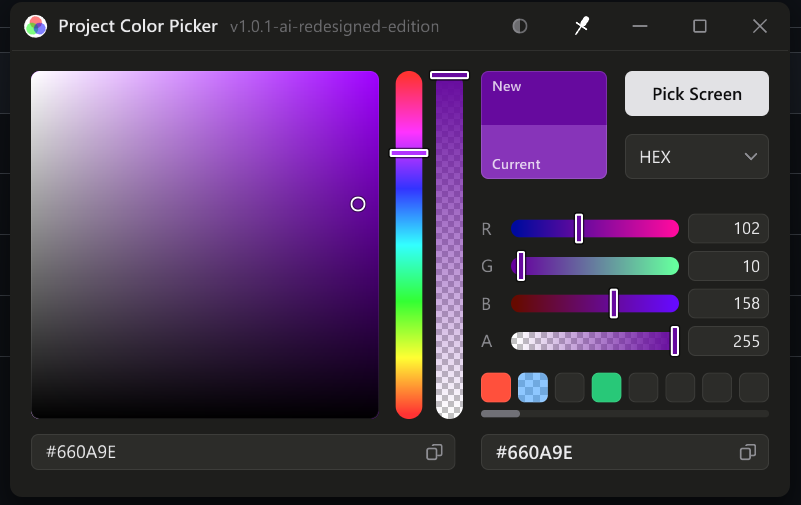
Project Color Picker
Screen pick + 14 color modesA small color picker for when you don’t want to open a browser: RGBA, HEX, HSL, HSB, CMYK, HWB, OKLCH, LAB, GRAY, YUV, YPbPr, XYZ, xyY and Munsell.
01
Run the downloaded file and follow the wizard.
git clone https://github.com/acus9345/Project-Color-Picker
cd Project-Color-Picker
cargo run --releaseMac users: see the macos folder in the repo.
~/Library/Application Support/Project Color Picker.02
From the project’s README.
Pick (or P) grabs a color from anywhere on screen.
Drag the color plane, the hue and alpha bars or any channel slider; scroll over a slider to nudge it one step.
Click the value box to type. #hex works in every mode.
Copy the values or the hex. Ctrl+C copies the values, Ctrl+V pastes a color.
Click an empty one to save, a saved one to use it, right-click to replace, middle-click to clear.
The pin in the title bar keeps the window above everything else.
03